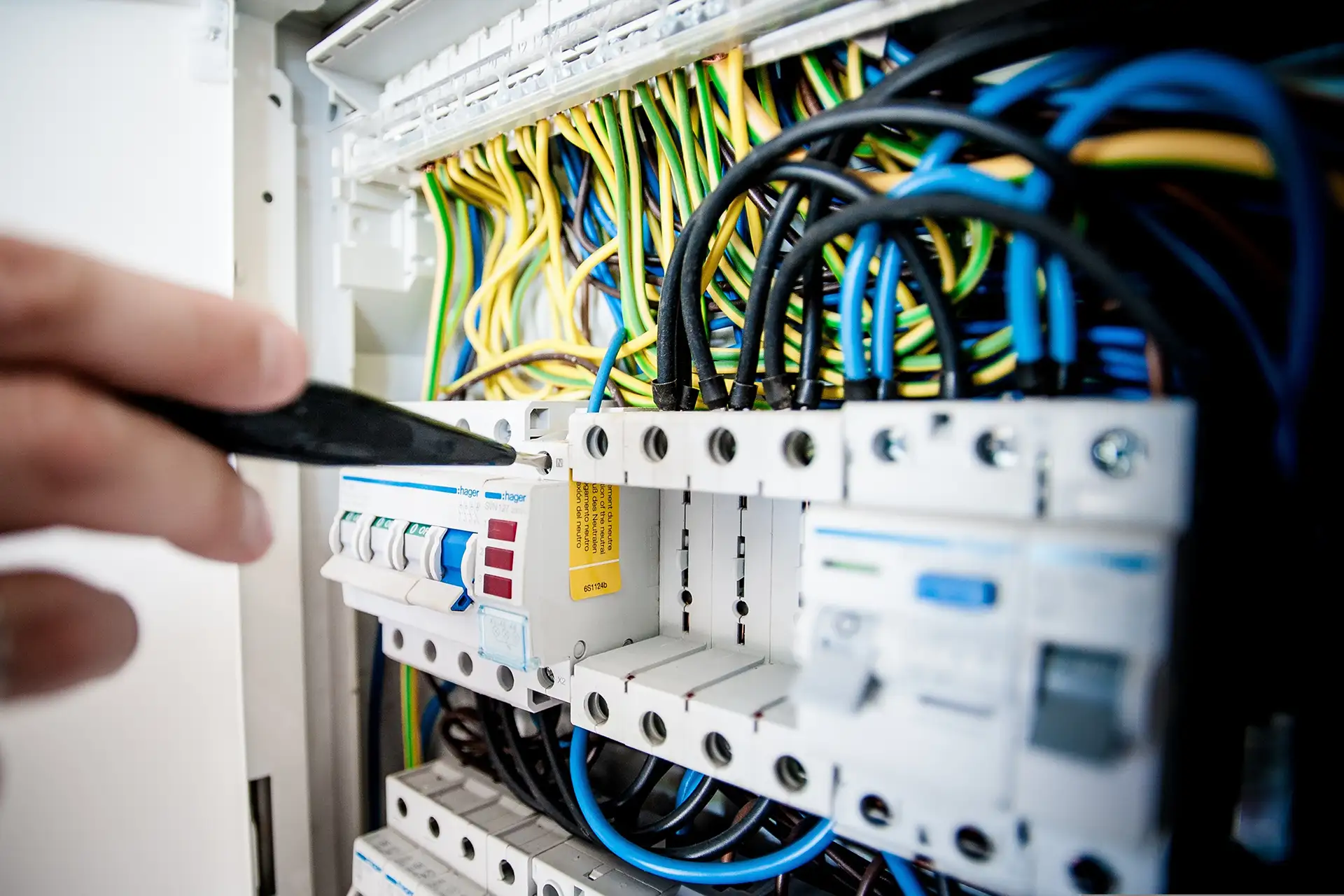

OUTPUT
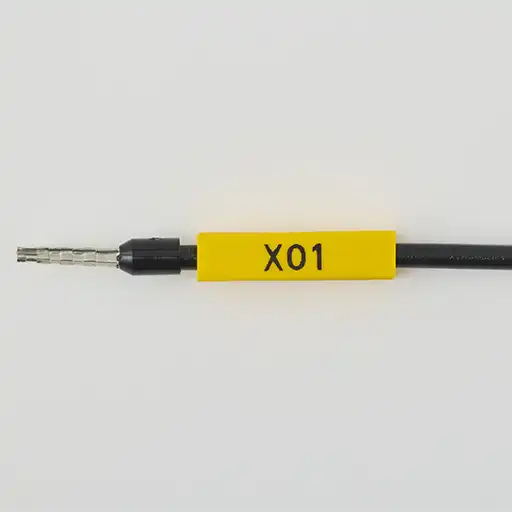
MAX Grip Sleeve
The ideal wire marking material. Mark quick and organize
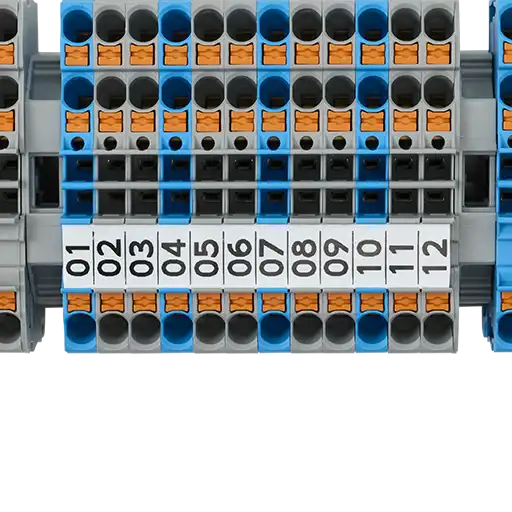
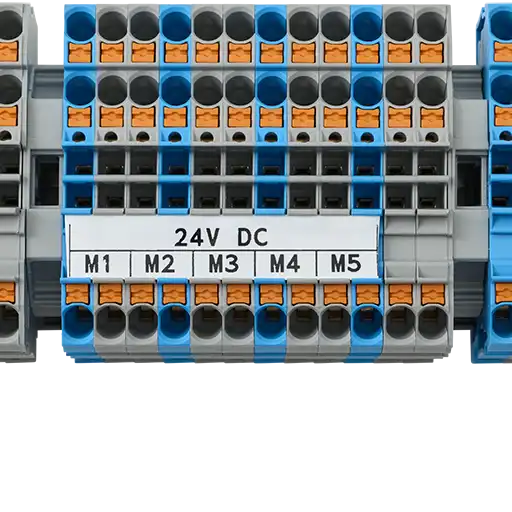
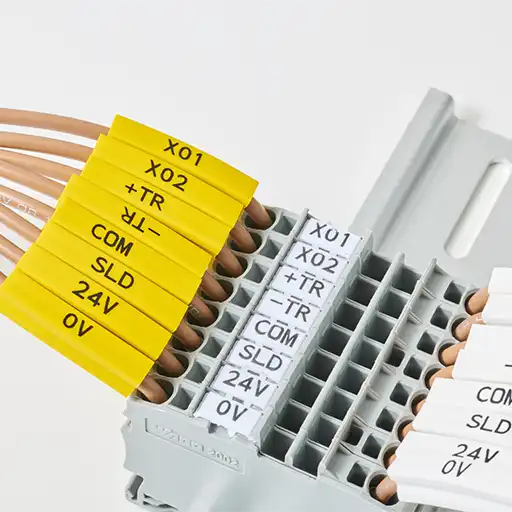
MAX Marker Strip
Clear printing & high visibility on Marker Strip to organize terminal and wire address
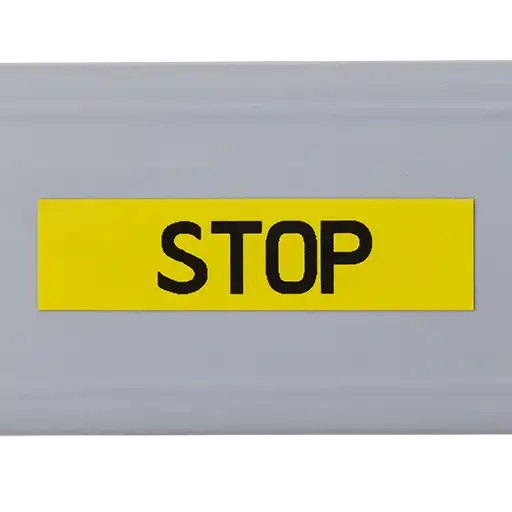
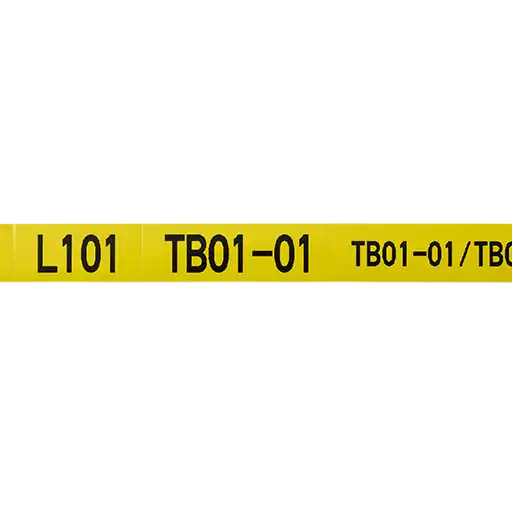
MAX Tape
Show important message with this tape in panels for good communication
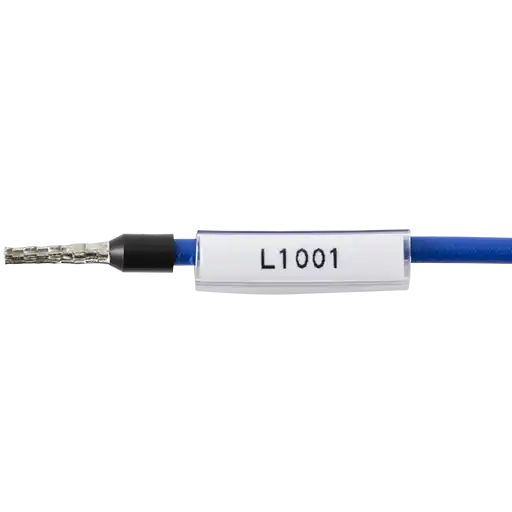
MAX ID Plate
ID plate still required but with MAX quality

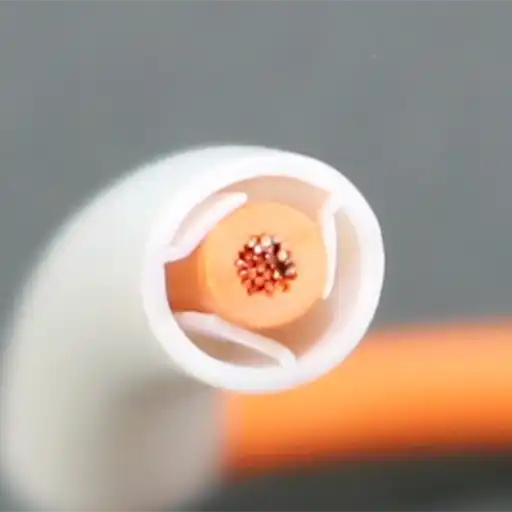
MAX Grip Tube
Great material for marking with unique interior structure
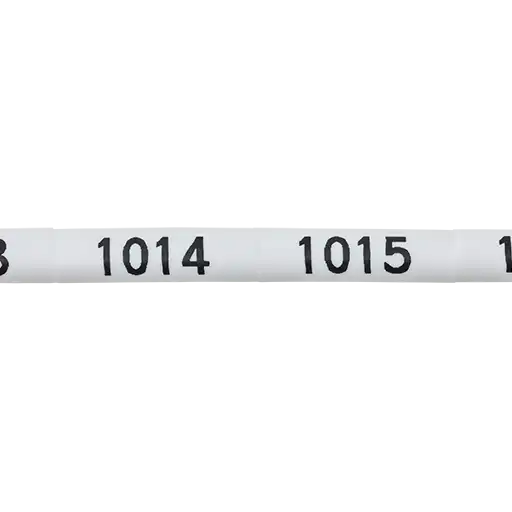
MAX PVC Tube
MAX supplies PVC tubing in many sizes to match wire diameters
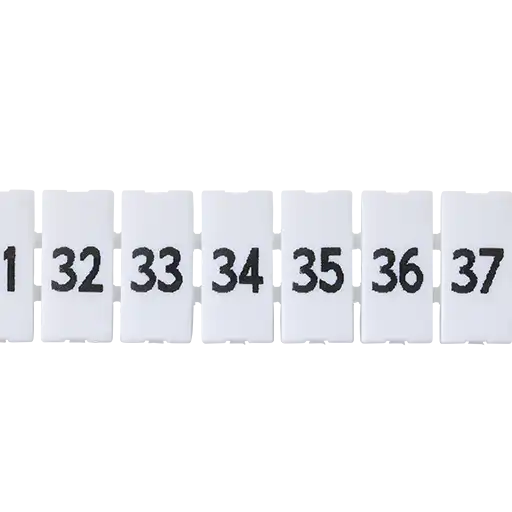
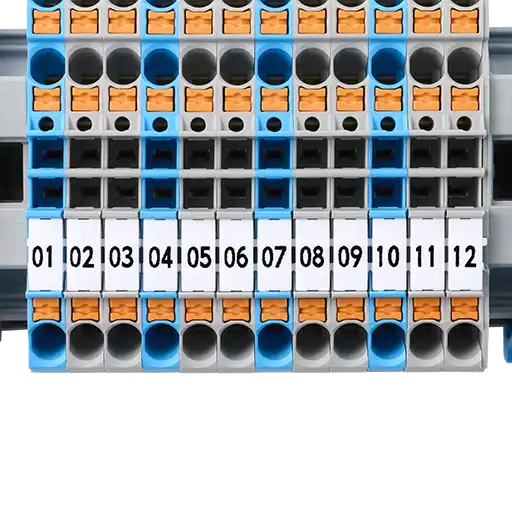
Block Markers
You can print the third parity’s Block Markers with our printer
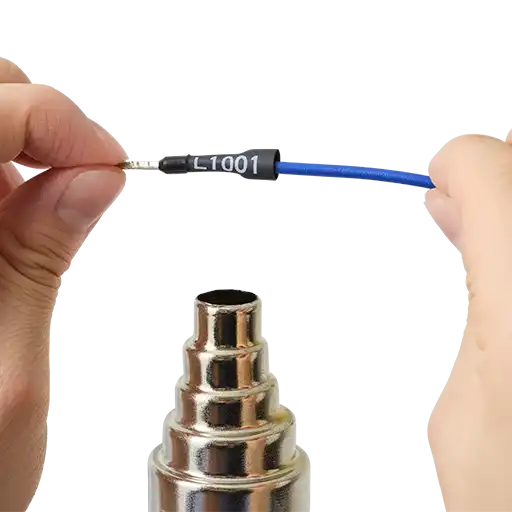
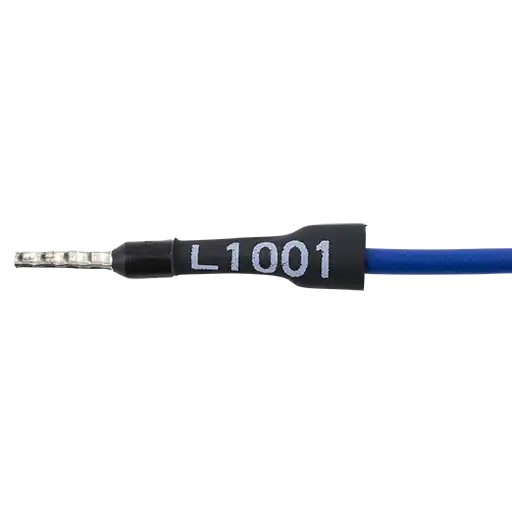
Heat Shrink Tubing
Traditional marking method is available on this printer
Your One-Stop Wire Marking Solution
The ideal one-stop wire marking printer for a wide range of materials.
Maximize efficiency while reducing costs in wire marking.
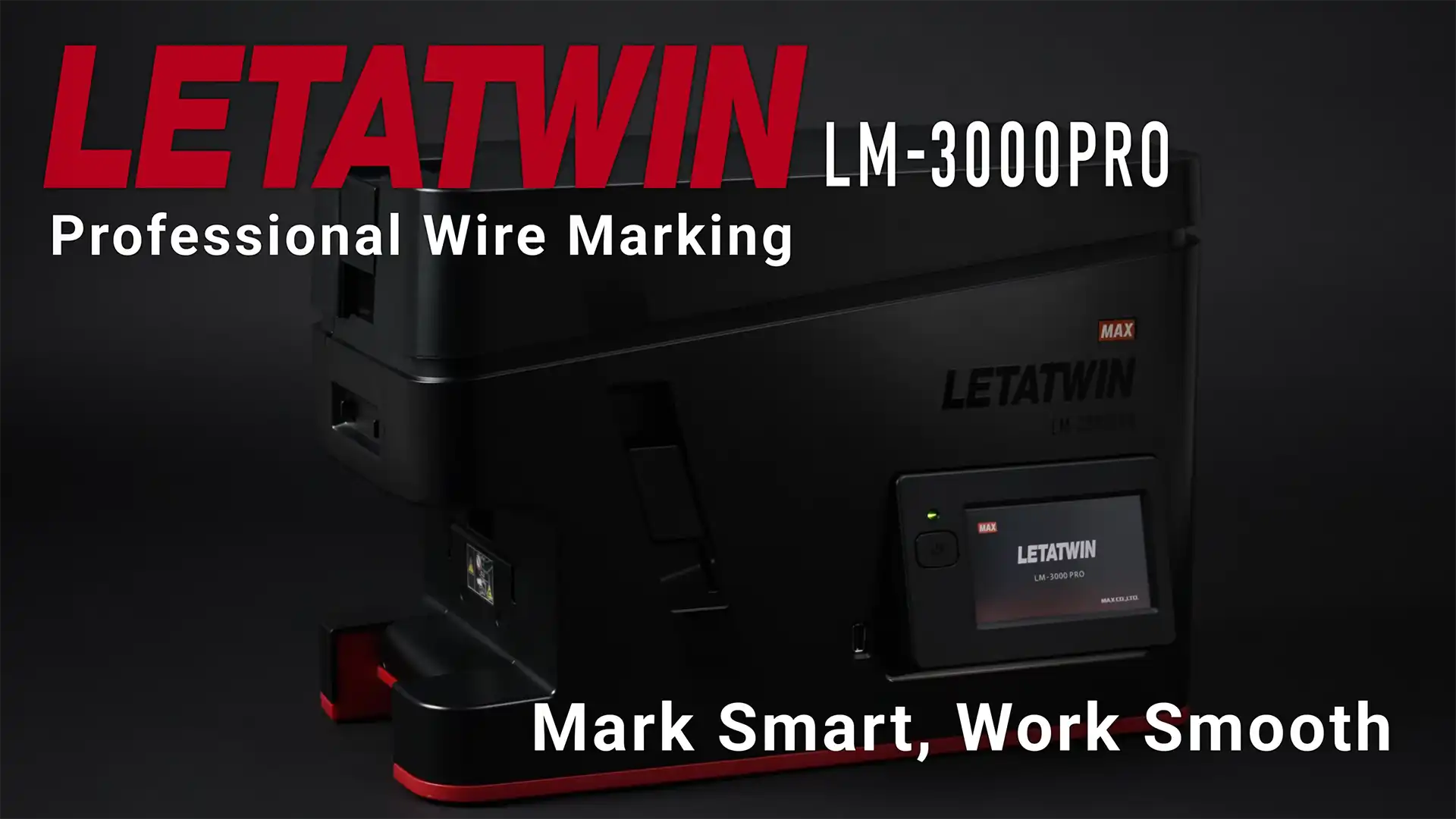
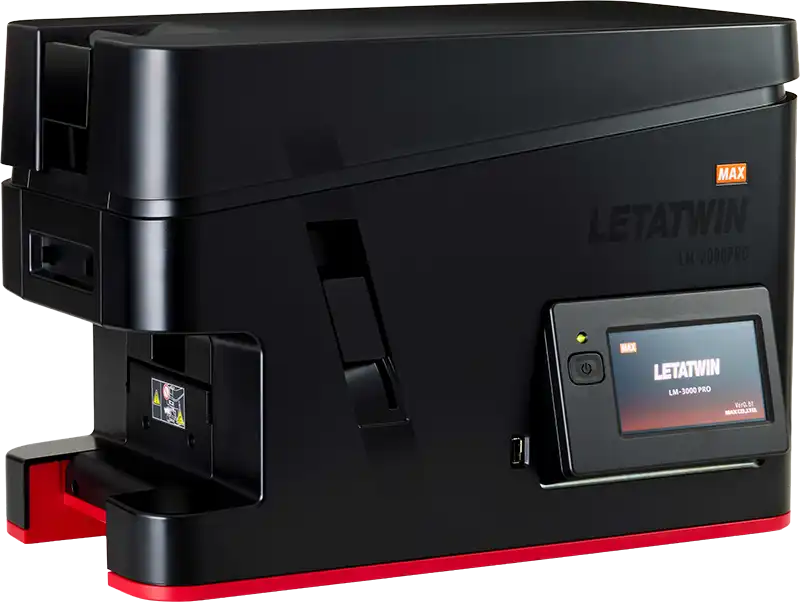
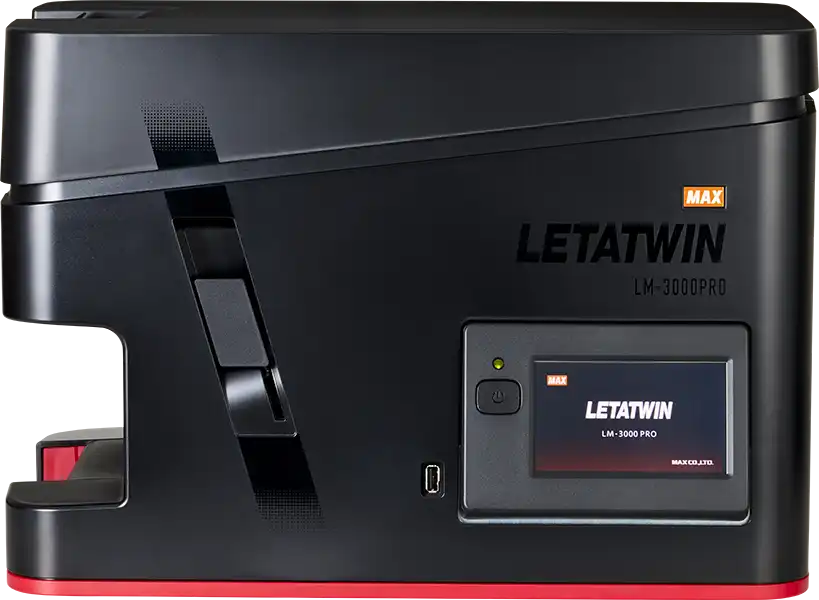
LETATWIN LM-3000Pro
New wire marking solution- simple but reliable wire marking printer
See why professionals trust LM-3000Pro for reliable wire marking.
Boost productivity and achieve clean, consistent identification for every job.
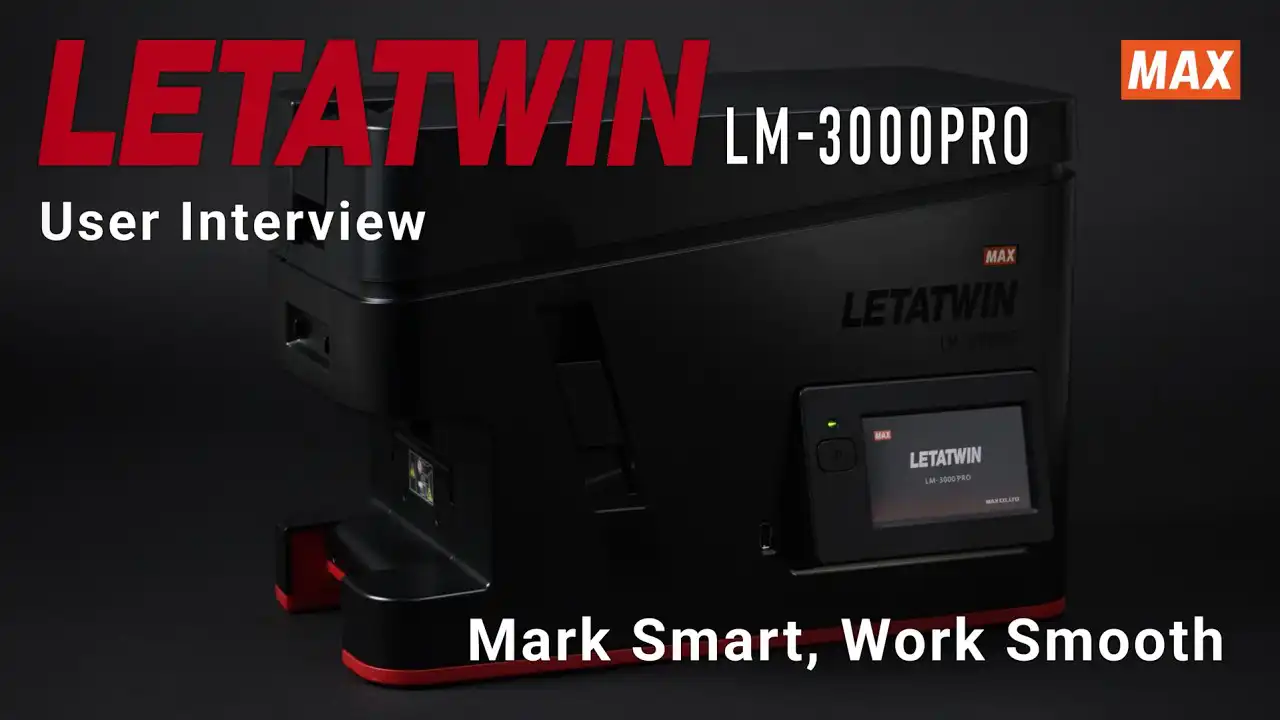
Why Professionals Choose LM-3000Pro Customer Interview
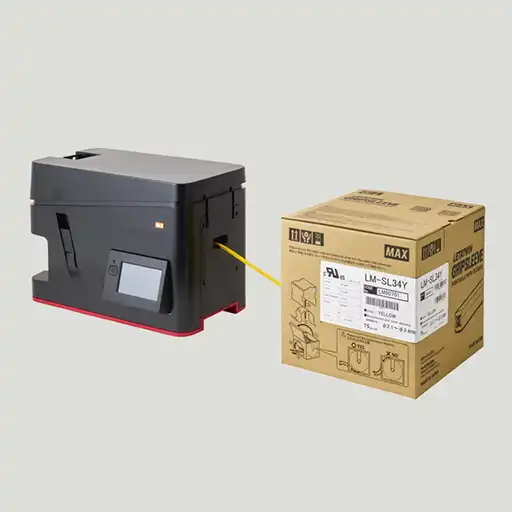
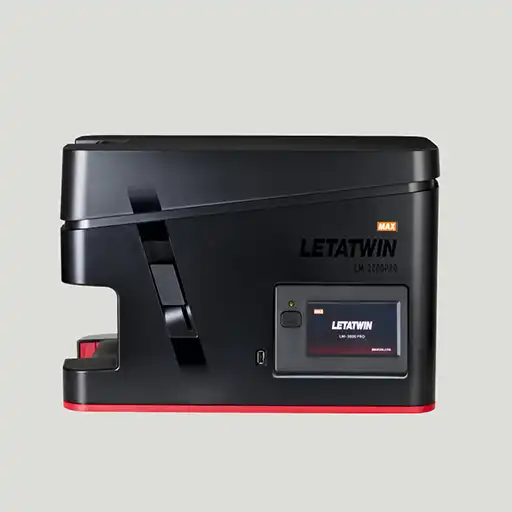
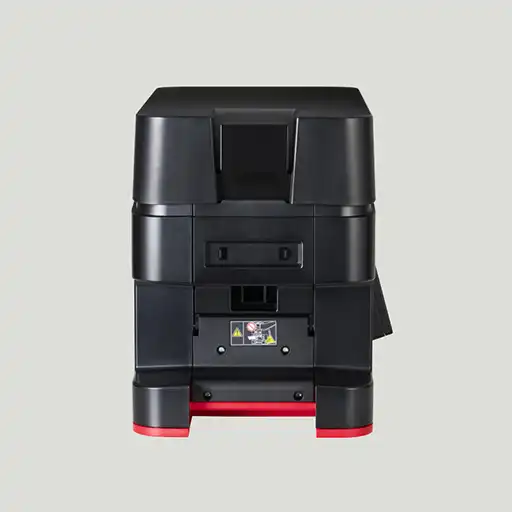
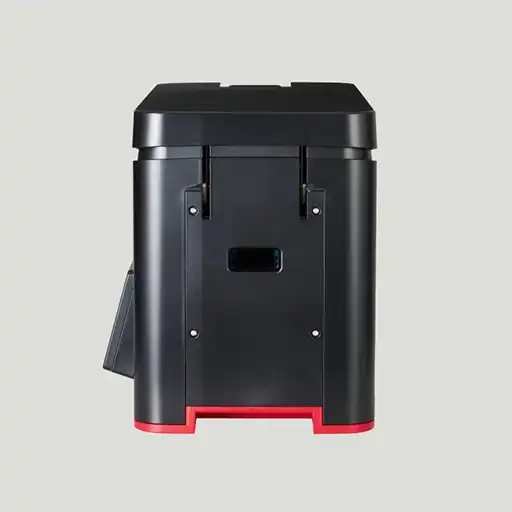
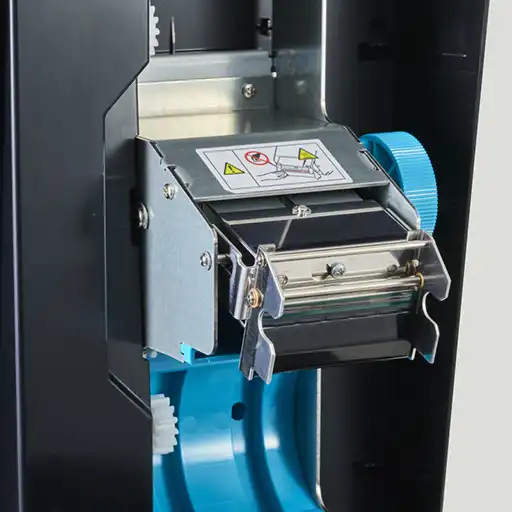
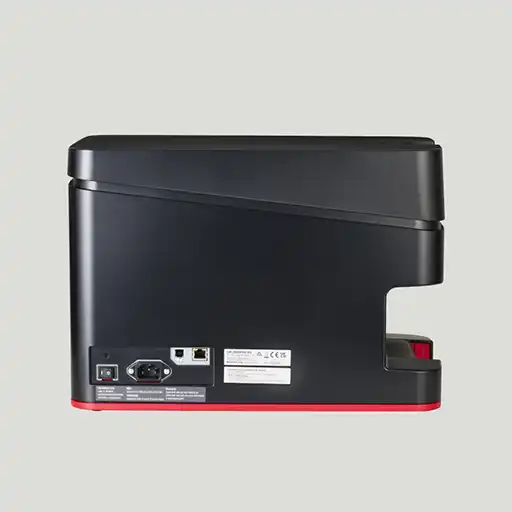
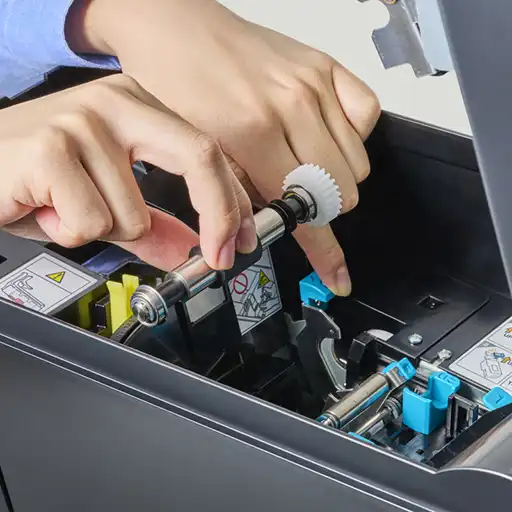
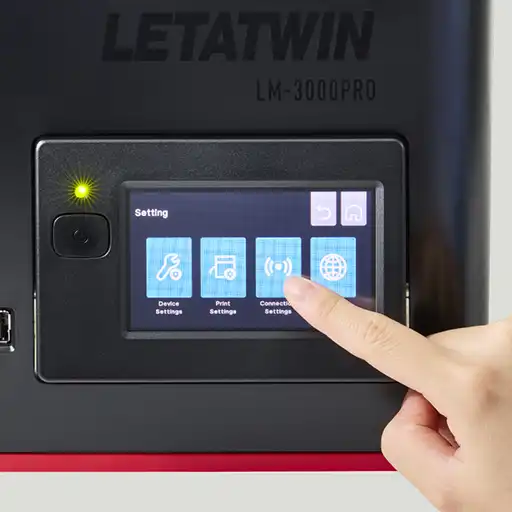
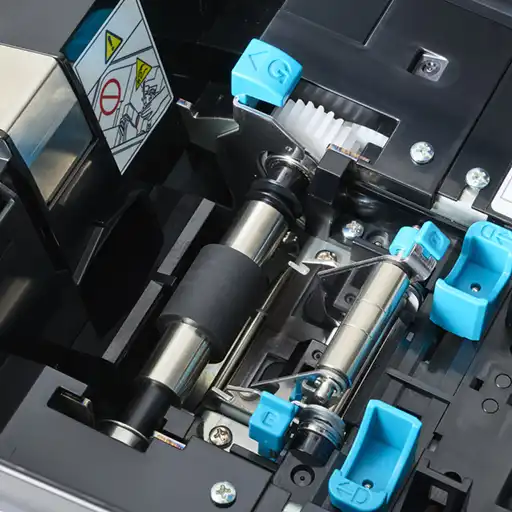
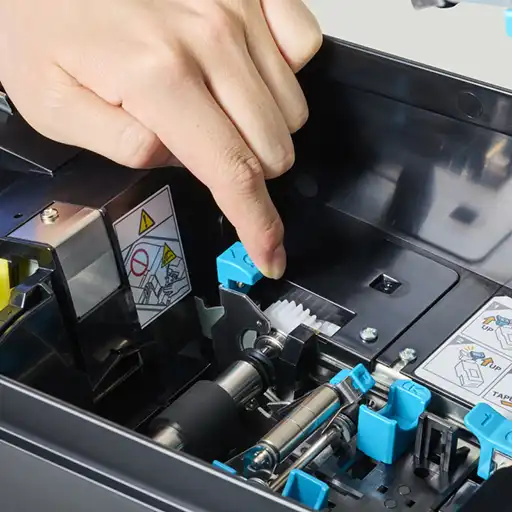
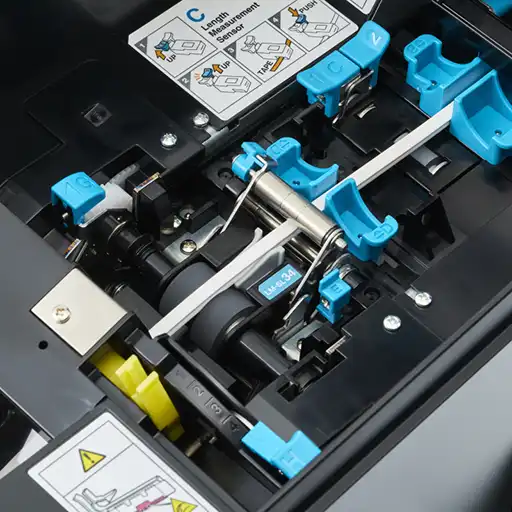
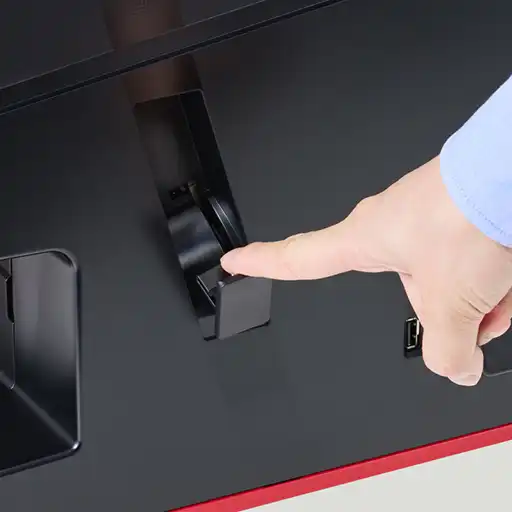
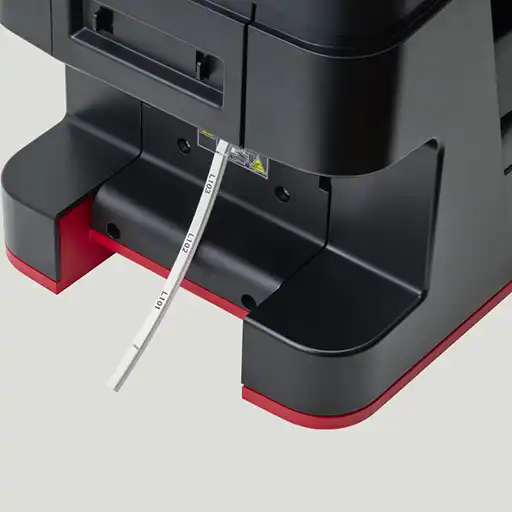
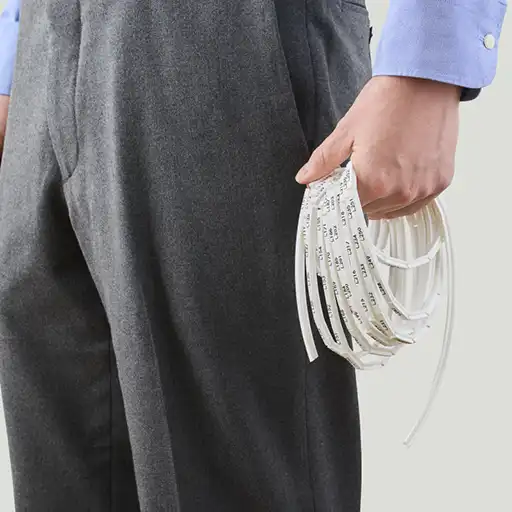
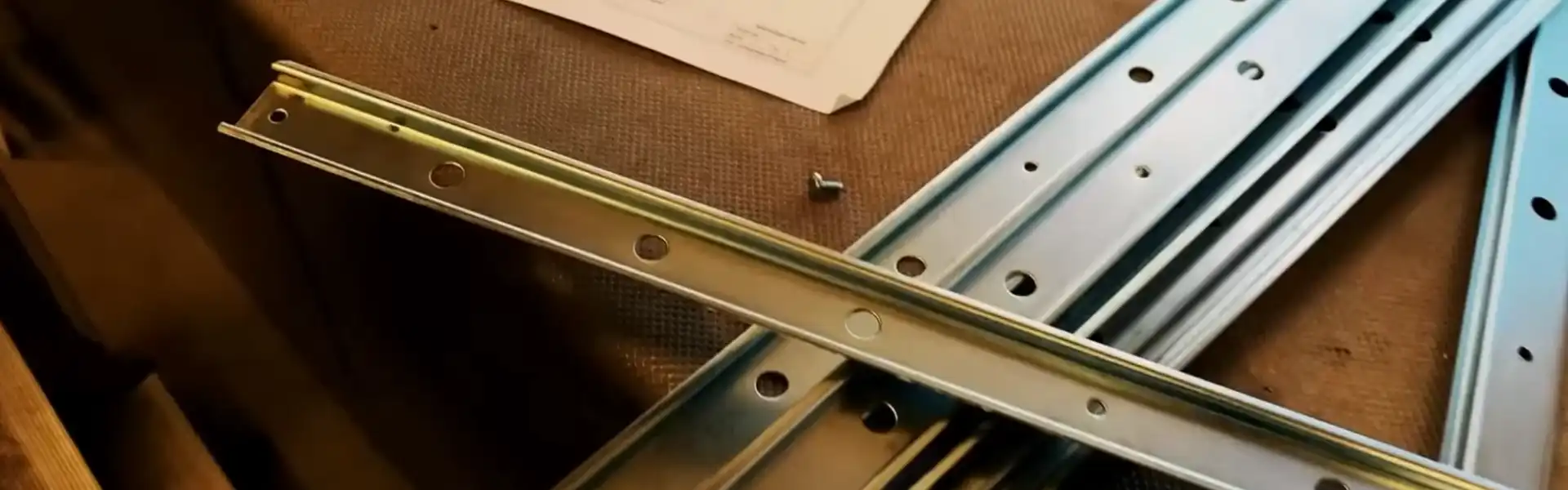
CONSUMBALES SUPPORTED
BY LM-3000PRO
Introducing the range of consumables compatible with our new printer model. Designed to support professionals working with wire marking in control panels, wire harness assembling & electrical installations, this printer accommodates a wide variety of marking materials used across the industry. By consolidating your making tasks into one versatile printer, you can simplify your workflow while maintaining clean professional results.
Mark Smart, Work Smooth
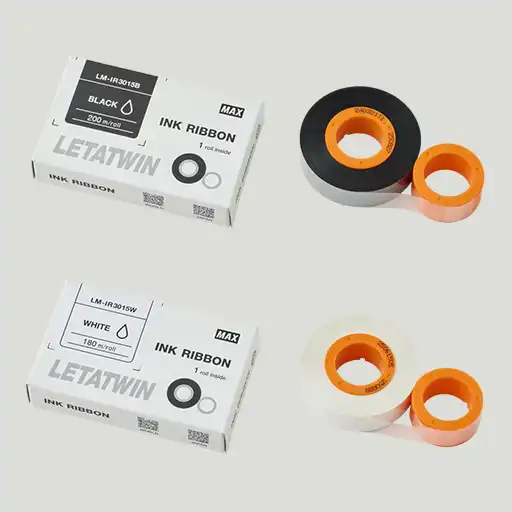
LM-IR30xx Series
Ink ribbon is available in black and white. This supports up to 7,800 prints at 1 in/pc. One ribbon cassette is included with the printer.
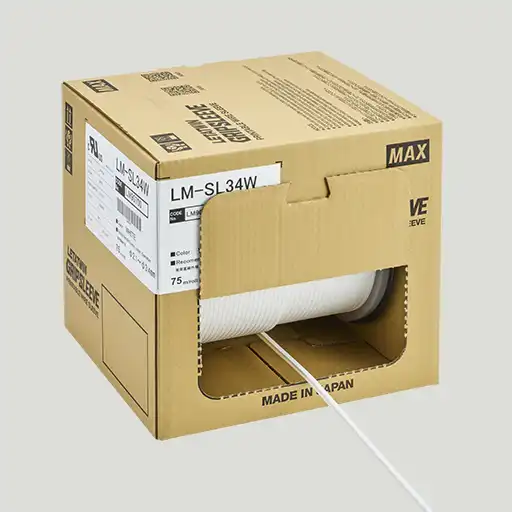
LM-Grip Sleeve Series UL 224 Certified
Grip Sleeve is available in white and yellow. This sleeve supports up to 2900 markings at 1 in/roll.
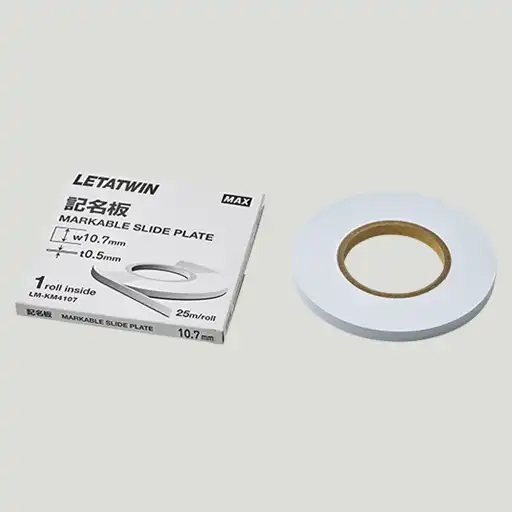
Marker Strip Series
4 sizes are available. It marks the wire address on this material in the control panels.
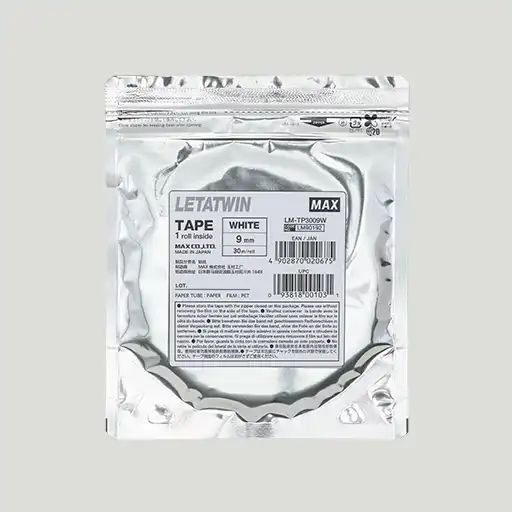
LM-Tape Series
Wide size & color range of tape will be put on your panels or device for showing the valuable data to communicate. 1 tape roll has approx. 95ft.
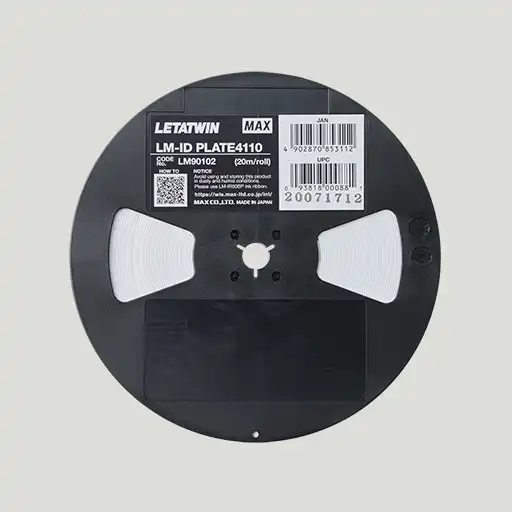
LM-ID Plate
The length of the MAX’s ID plate is 65ft. The width size is the 5/32inches (4.1mm x 20m/roll).
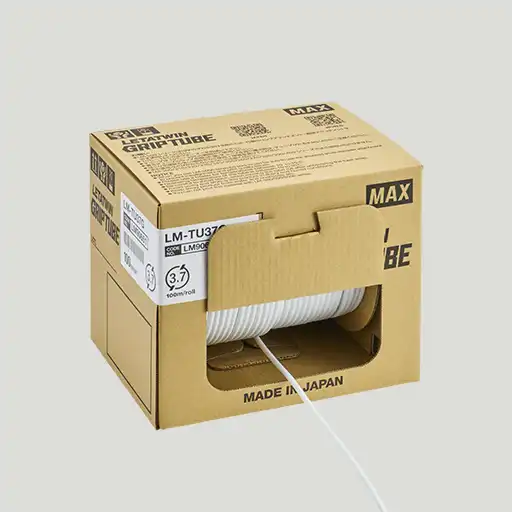
LM-Grip Tube Series
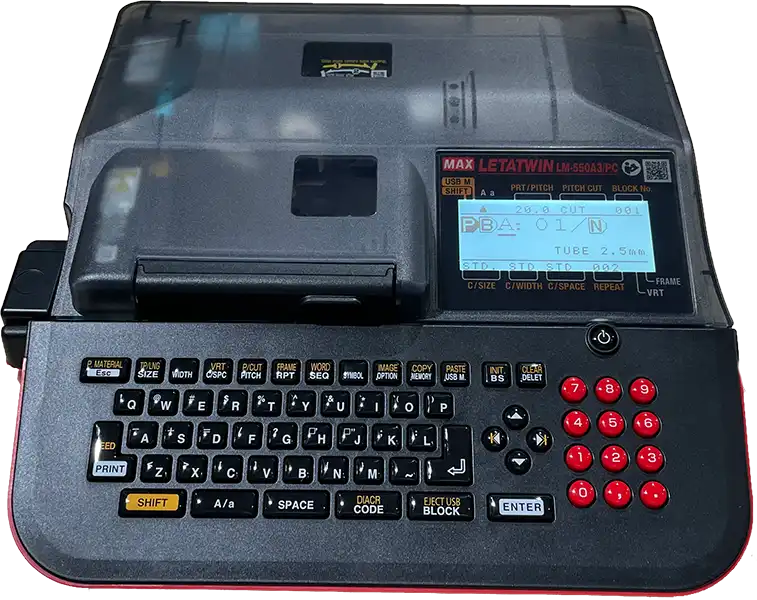
MAX’s PVC tubing is the best for the quick wire marking. This tubing has the unique interior to grip the wire. This product can be printed by LM-550A3 portable model.
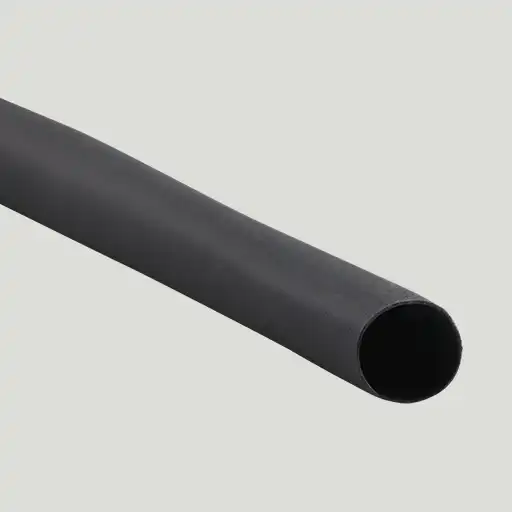
Heat Shrinking Tube Series
Our printer can print on the third party’s HS tubing. Print on the HS tubing and show the wire’s valuable data with crisp letter printing.
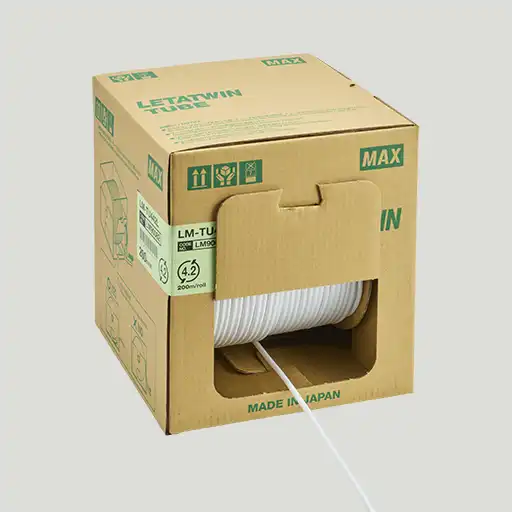
LM-TU4xxL2 Series (PVC Tubing)
The PVC regular tubing is printable. From AWG#22 to #8 (φ1.9mm to 8.0mm).
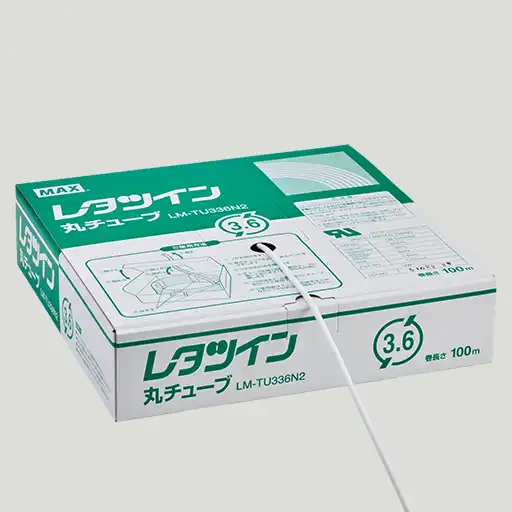
LM-TU3xxN2 Series (UL 224 Certified)
This tubing is UL224 certified material. From AWG#14 to #10 (φ3.2mm to 5.0mm)
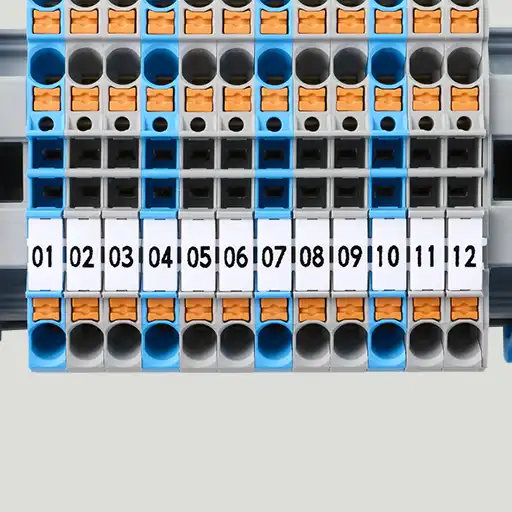
Block Markers
The Block Markers, produced by Wago is printable with 2009-113 /114 /115 /145 /515 /615.
Platen rollers
You can customize your printer’s ability with Platten Roller options. The basic set of Platen Rollers is in the printer box. Upgrade the printer’s ability with only USD 500.00-.
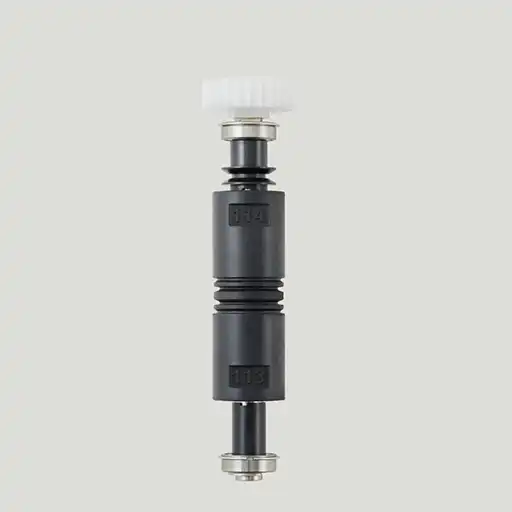
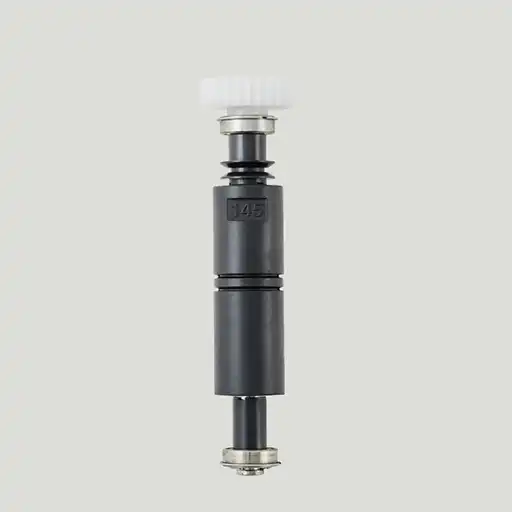
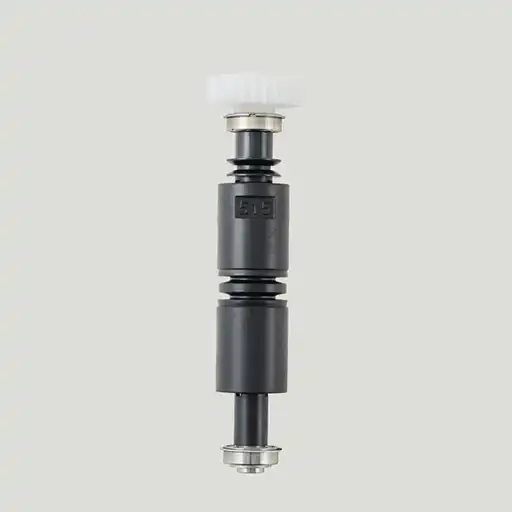
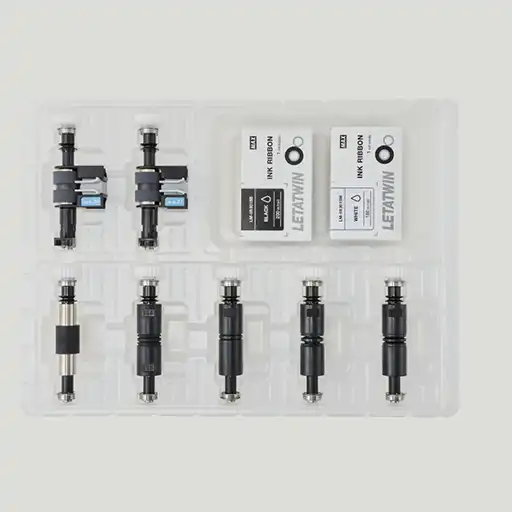
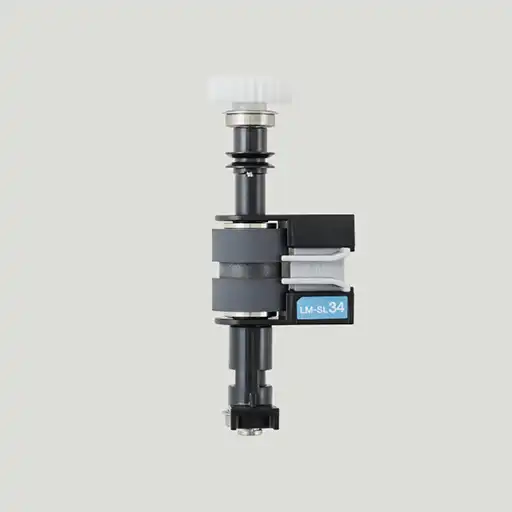
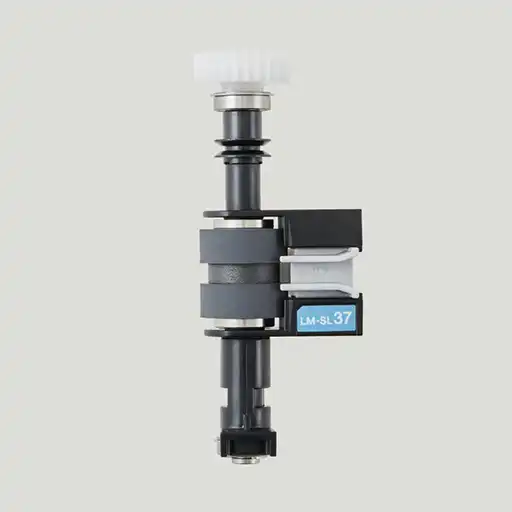
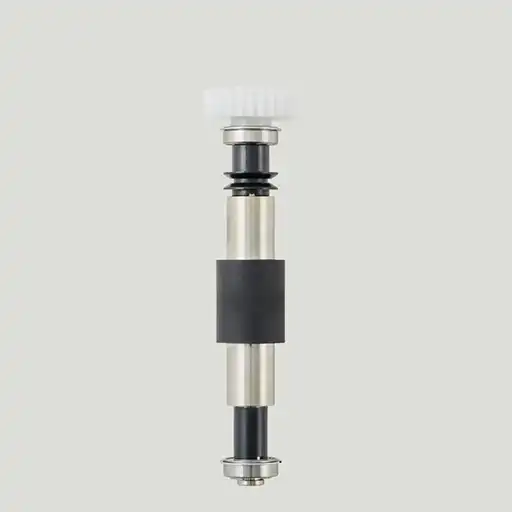
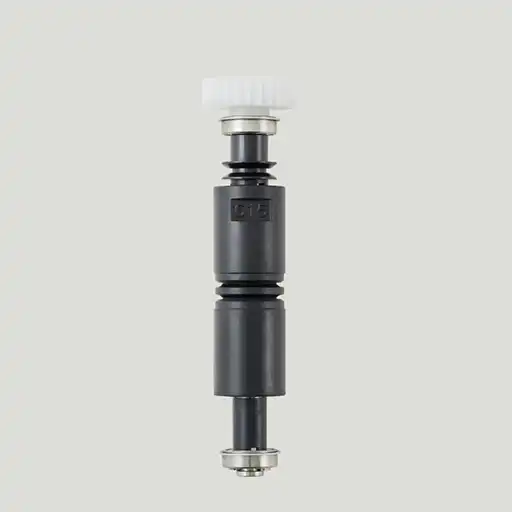
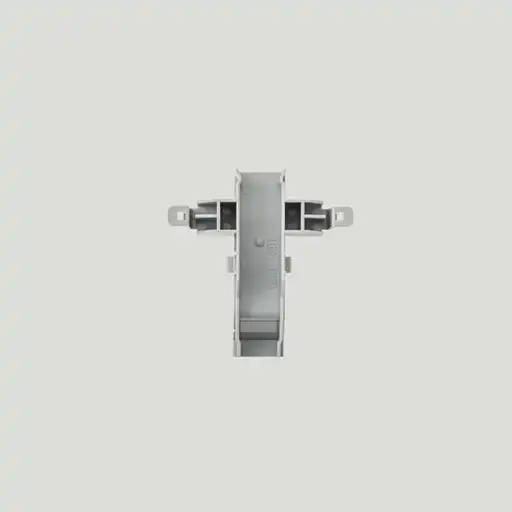
Attachments
All attachments are packed in the printer’s box for the printable materials. You can see the combination of platen and attachment for each consumables from the “PDF”.


USER MANUAL VIDEO
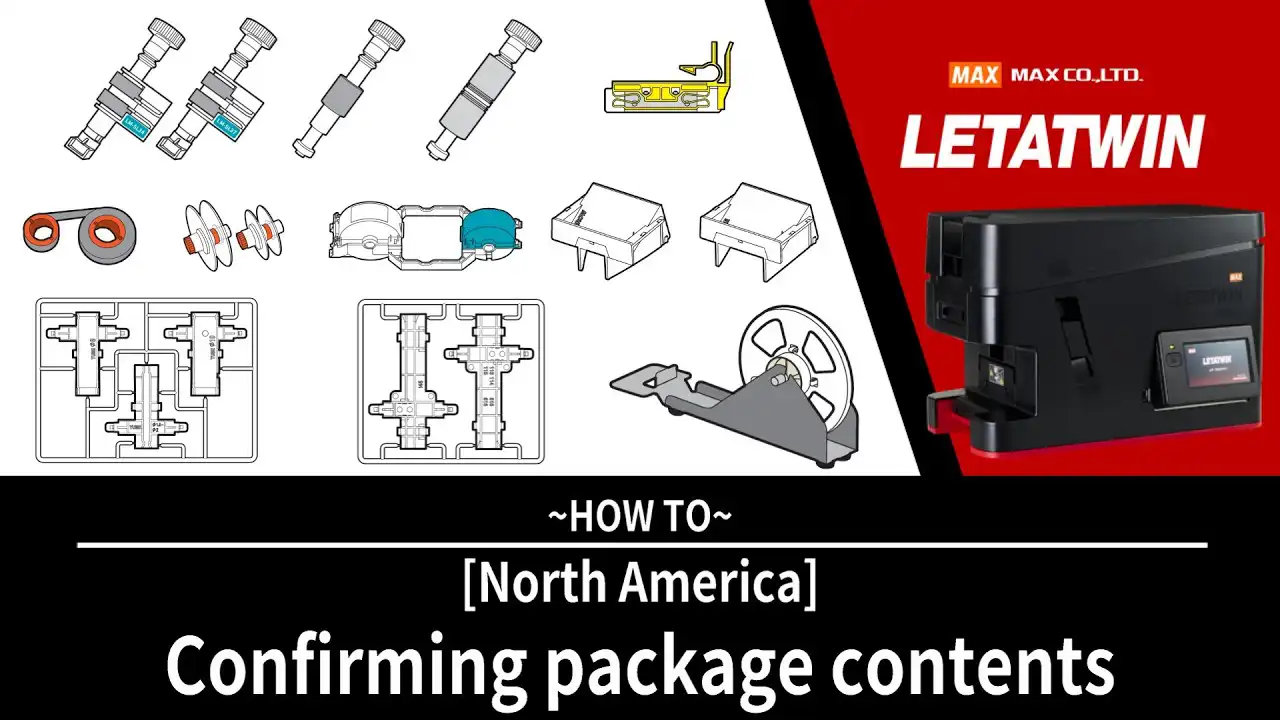
Checking the Package Contents watch the video >
Before using the printer, review the items included in the package.
Wireless LAN Setup watch the video >
Connect the printer to your wireless network and start printing without a USB connection.
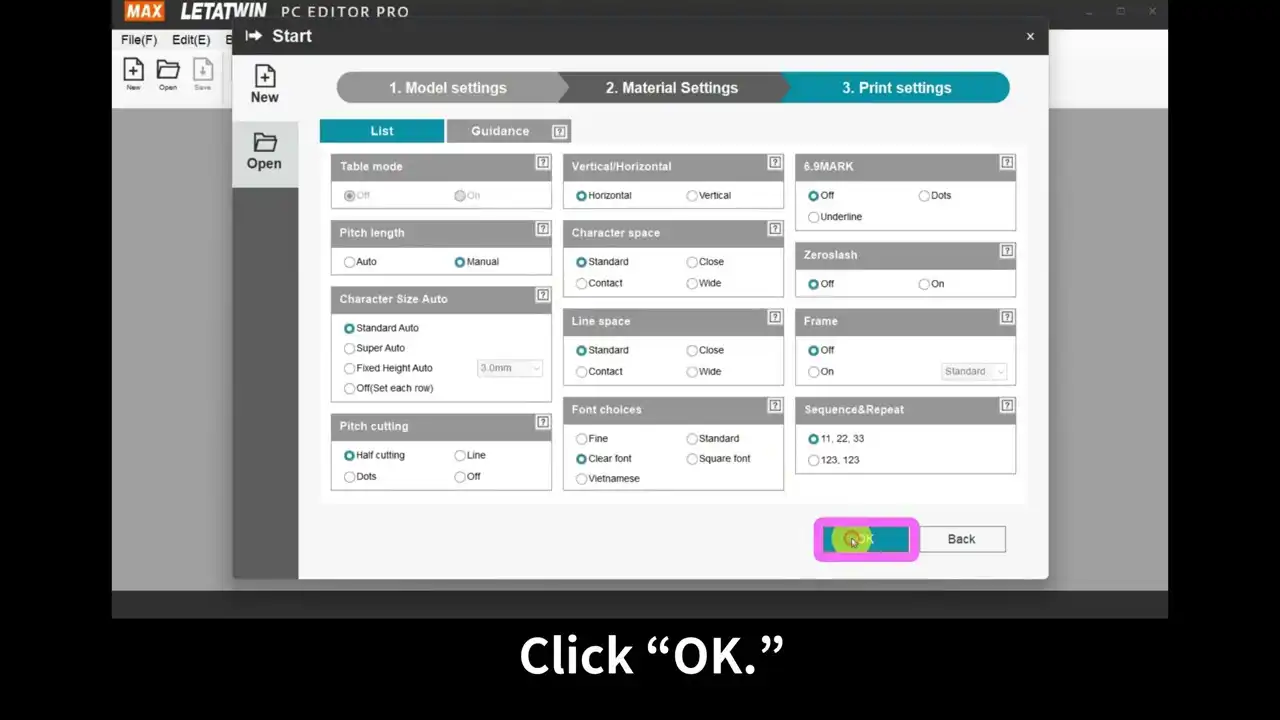
▶︎ Checking the Package Contents
Printing Process Overview watch the video >
An introduction to the basic printing workflow and operation.
▶︎ Printing Process Overview
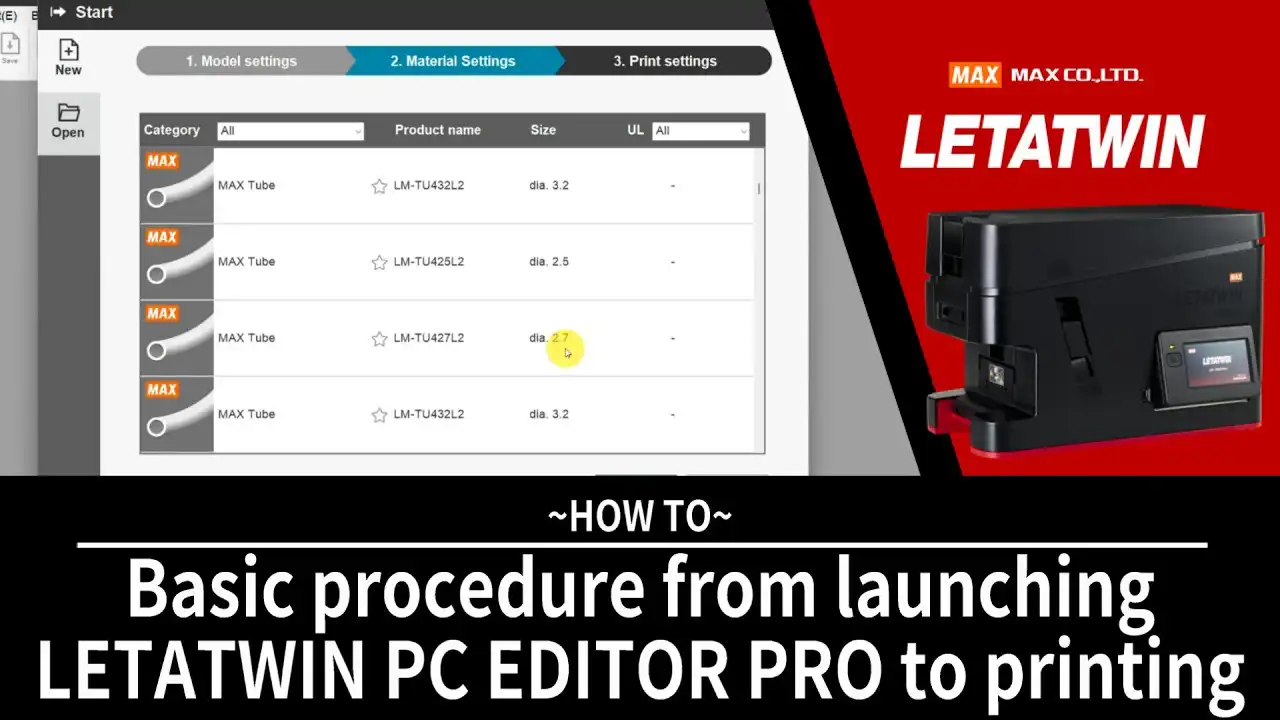
Installing the Ink Ribbon watch the video >
Follow this guide to install the ink ribbon correctly.
Loading Grip Sleeve watch the video >
Learn how to load grip sleeves into the printer.
Loading Tubing watch the video >
Instructions for setting up tubing media for printing.
Loading ID Plates watch the video >
Guide to loading ID plate media.
Loading Tape watch the video >
How to prepare and load tape for printing.
Using Tape with the Reel Stand watch the video >
Instructions for loading tape when using the reel stand.
Loading Marker Strips watch the video >
Learn how to install marker strip media.
Loading Block Markers watch the video >
Steps for loading block marker media.
▶︎ Installing the Ink Ribbon
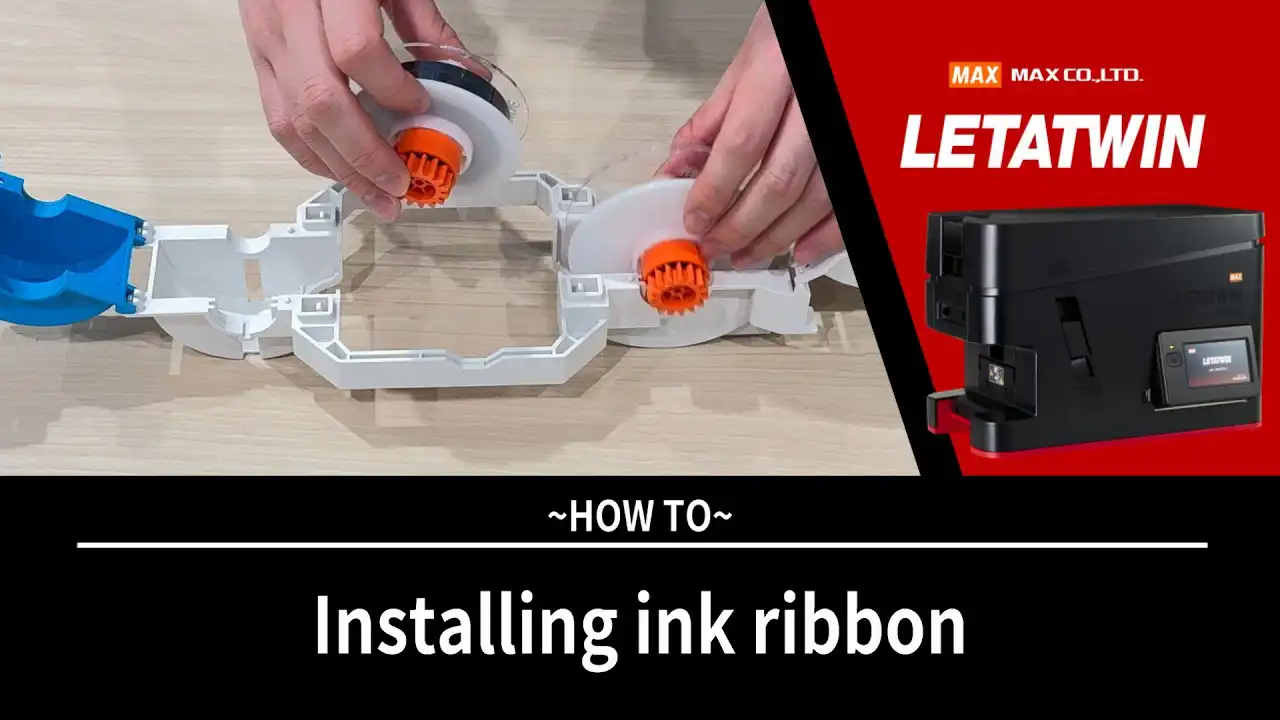
Adjusting the Exit Guide watch the video >
Adjust the exit guide to ensure stable media feeding and smooth output.
Adjusting Print Line and Cutting Position watch the video >
Fine-tune the printing line and cutting position for accurate results.
Adjusting Sensor and Horizontal Print Line Position watch the video >
Adjustment procedure for media.
▶︎ Adjusting the Exit Guide
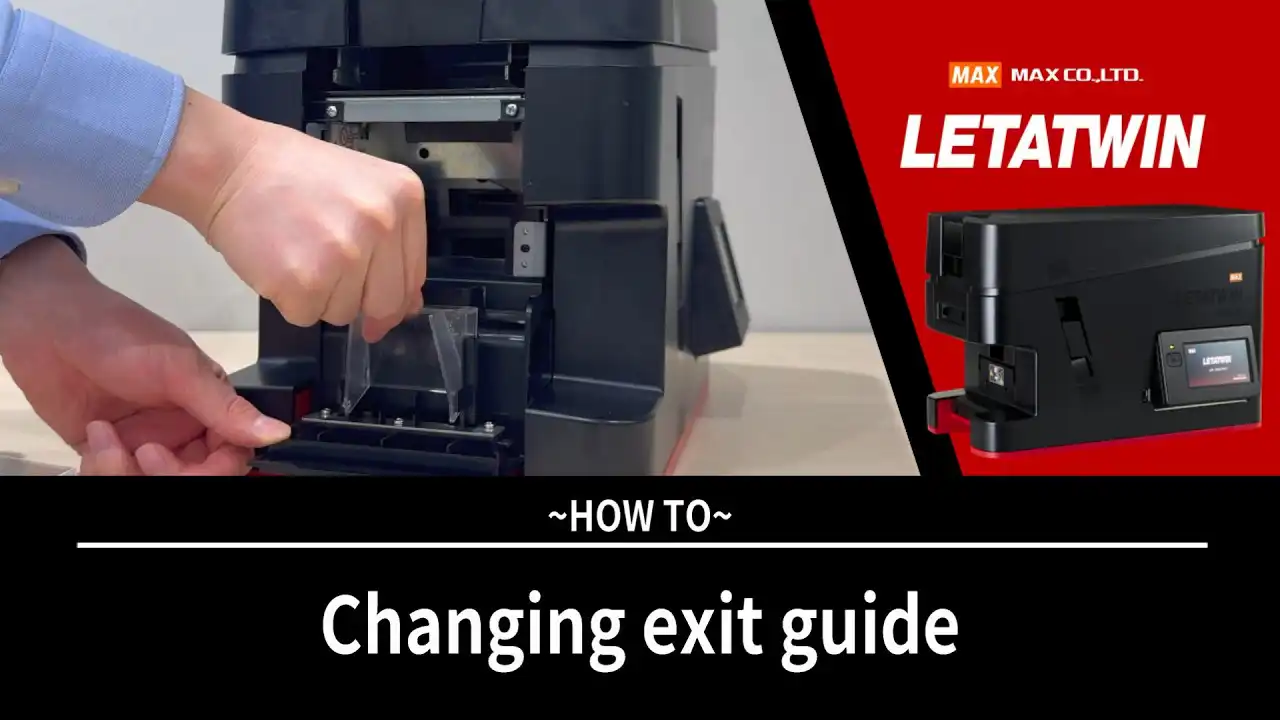
Cleaning Media Guides (B and D) watch the video >
Keep the printer operating smoothly by cleaning the media guides.
▶︎ Cleaning Media Guides (B and D)
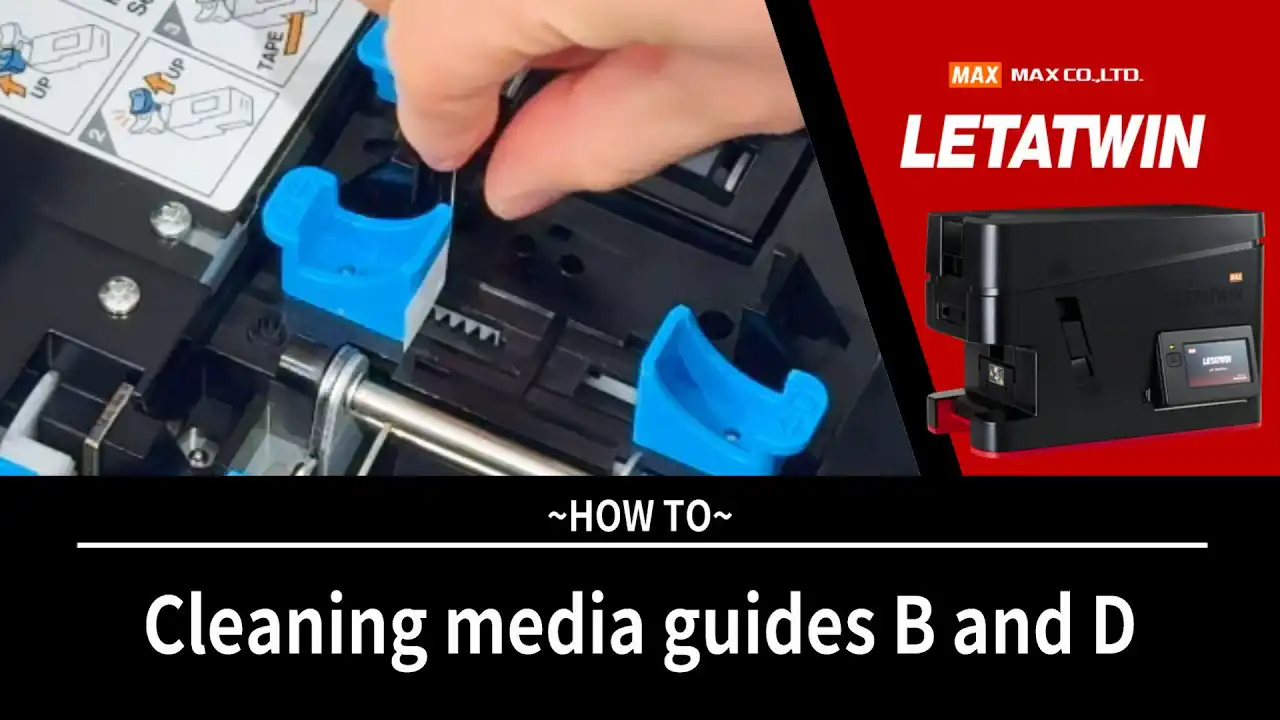
SOFTWARE
Improve efficiency and reduce errors with our user-friendly software available at no cost.
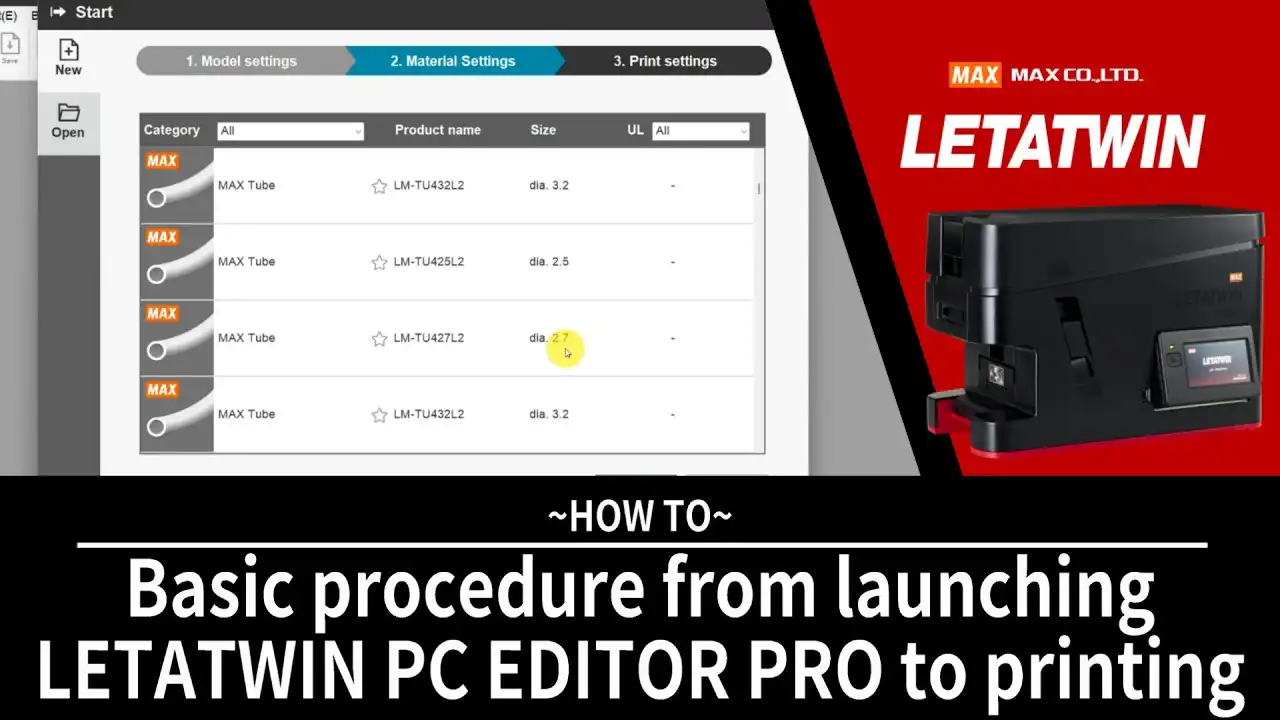
When using this software, you must ensure that the software version matches the firmware version.
Please refer to the release notes for the latest version information.
FAQ
General
Watch the video: Printing Process Overview
Printer Features
- Tubing
- Grip Sleeves
- ID plates
- Tapes
- Marker strips
- Block markers
Ø1.9–8.0 mm (Ø0.075–0.315 in)
Watch the video: Loading Tubing
Watch the video: Wireless LAN Setup
Printing Performance
Media Installation
Watch the video: Installing Ink Ribbon
Watch the video: Loading Tubing
Watch the video: Loading Grip Sleeve
Watch the video: Loading Tape
Watch the video: Loading Tape with Reel Stand
Watch the video: Loading Marker Strip
Watch the video: Loading Block Marker
Adjustment & Setup
Watch the video: Changing Exit Guide
Watch the video: Adjusting Print Line & Cutting Position
Watch the video: Adjusting Print Line & Cutting Position
Watch the video: Adjusting Sensor & Horizontal Print Line Position
Maintenance
Watch the video: Cleaning Media Guides
Applications
Environment
Troubleshooting
Watch the video: Printing Process Overview
Sample Request Form
| MAX USA CORP. | |
|---|---|
| Address: | 205 Express St. Plainview, NY, 11803, U.S.A. |
| Phone: | (516)741-3151, 1-800-223-4293 |